
Build your own workout
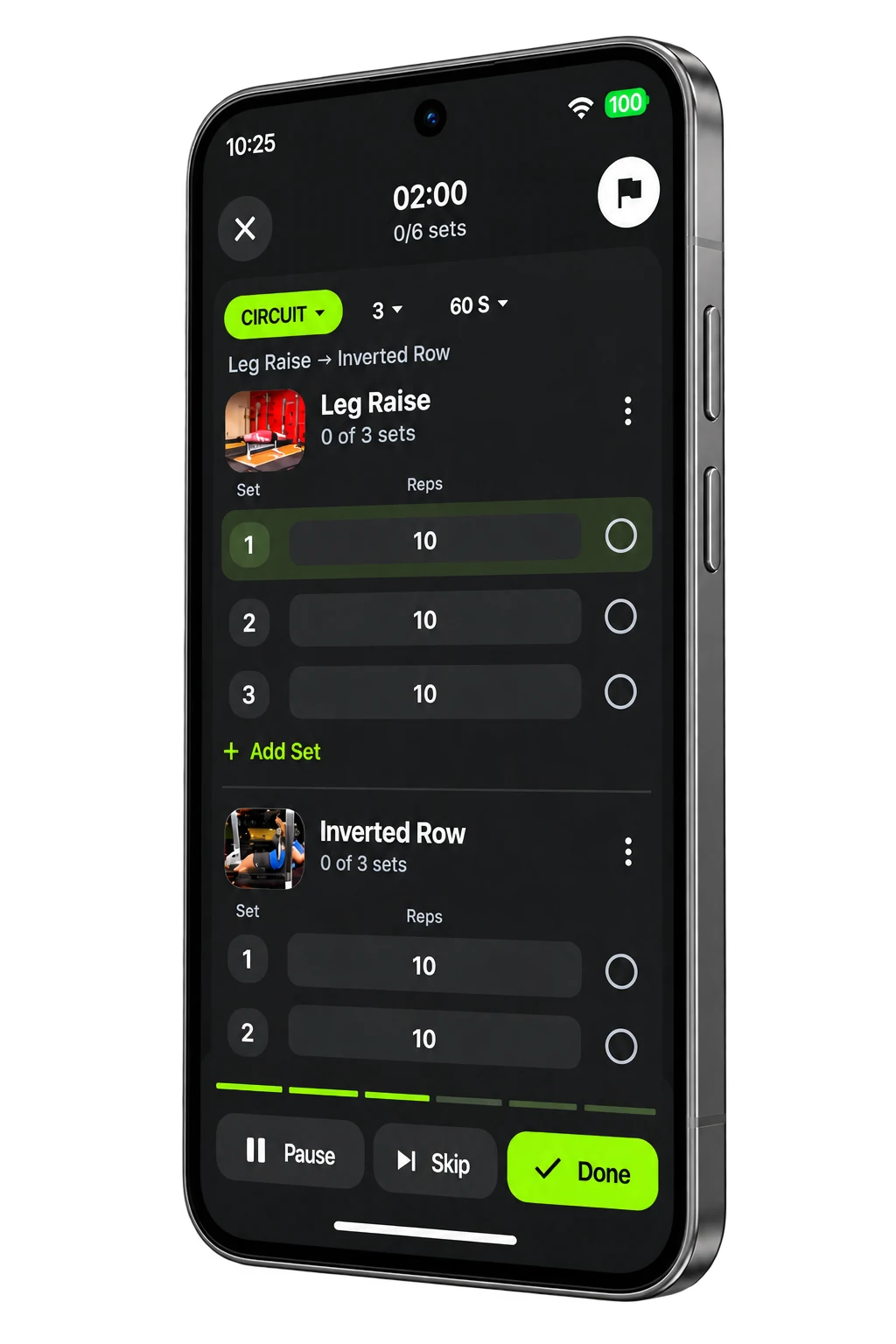
Choose your exercises in My Library and put together the session you want to do.
Build your own workouts or follow your coach’s plan. Log your sets, keep track of nutrition targets and review your progress.
See how Diby works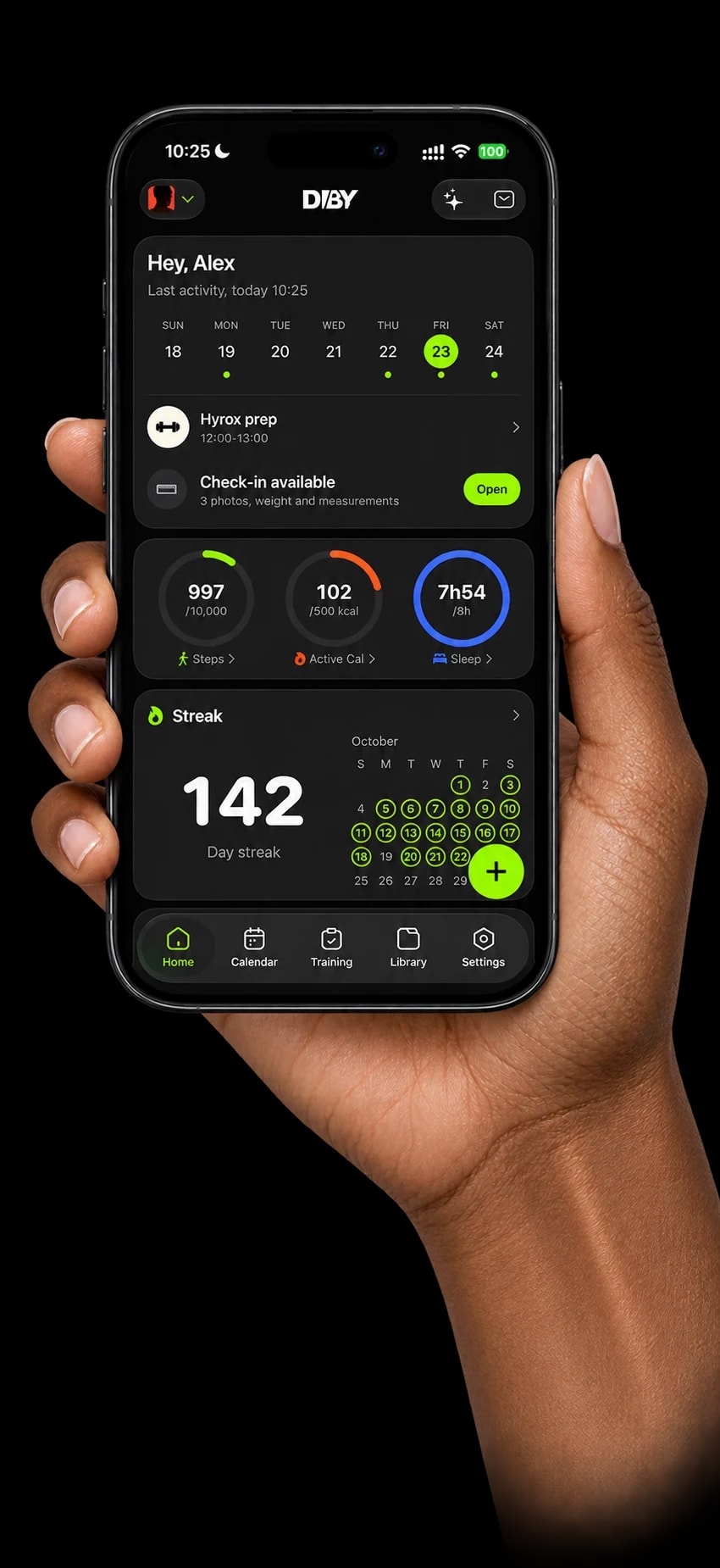
Build a workout, explore the Store or follow your coach’s plan. Start with the training that fits your day.
Choose your exercises in My Library and put together the session you want to do.
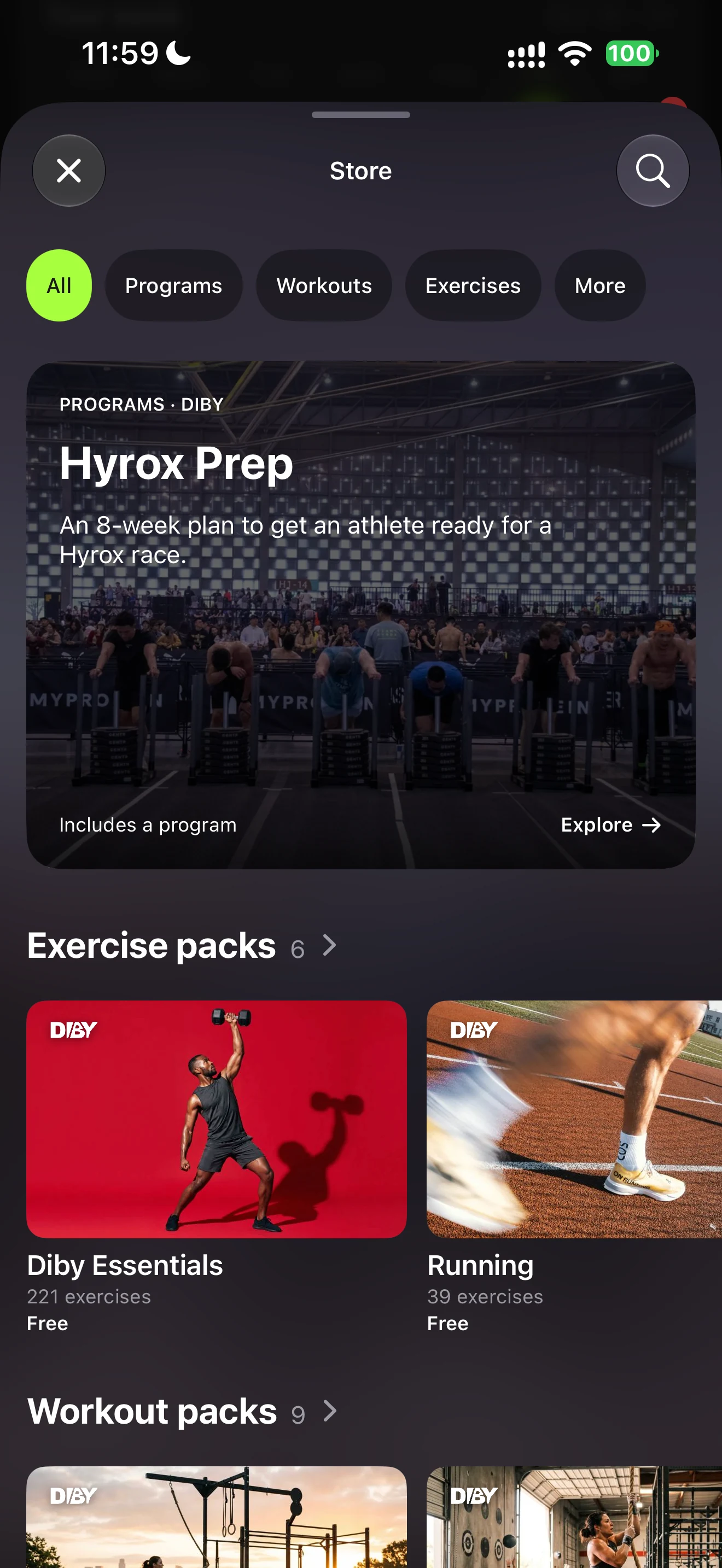
Explore programs and workout packs in the Store, and keep the ones you choose in your library.
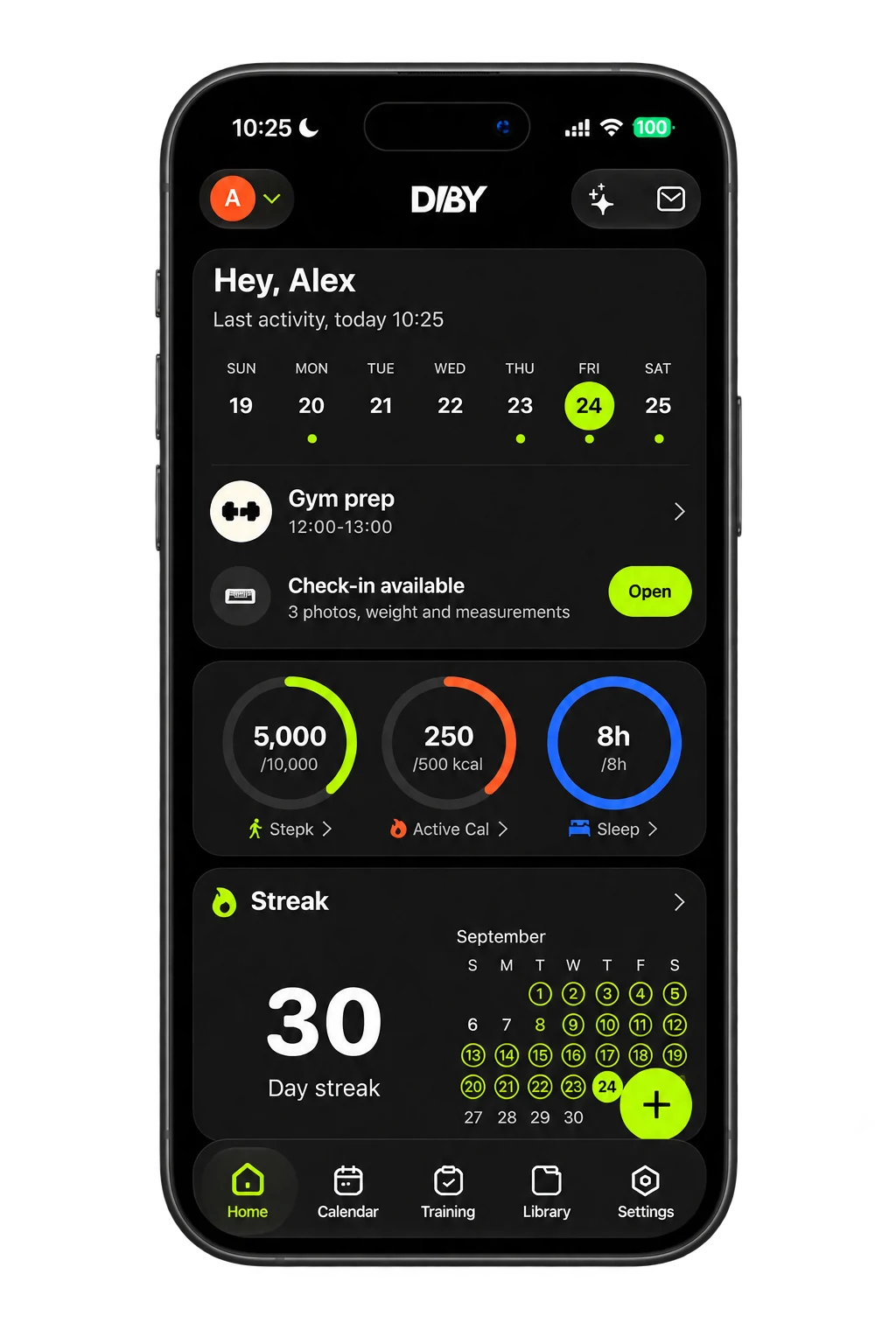
When you’re connected to a coach, open the workouts they assign and see what’s coming next.
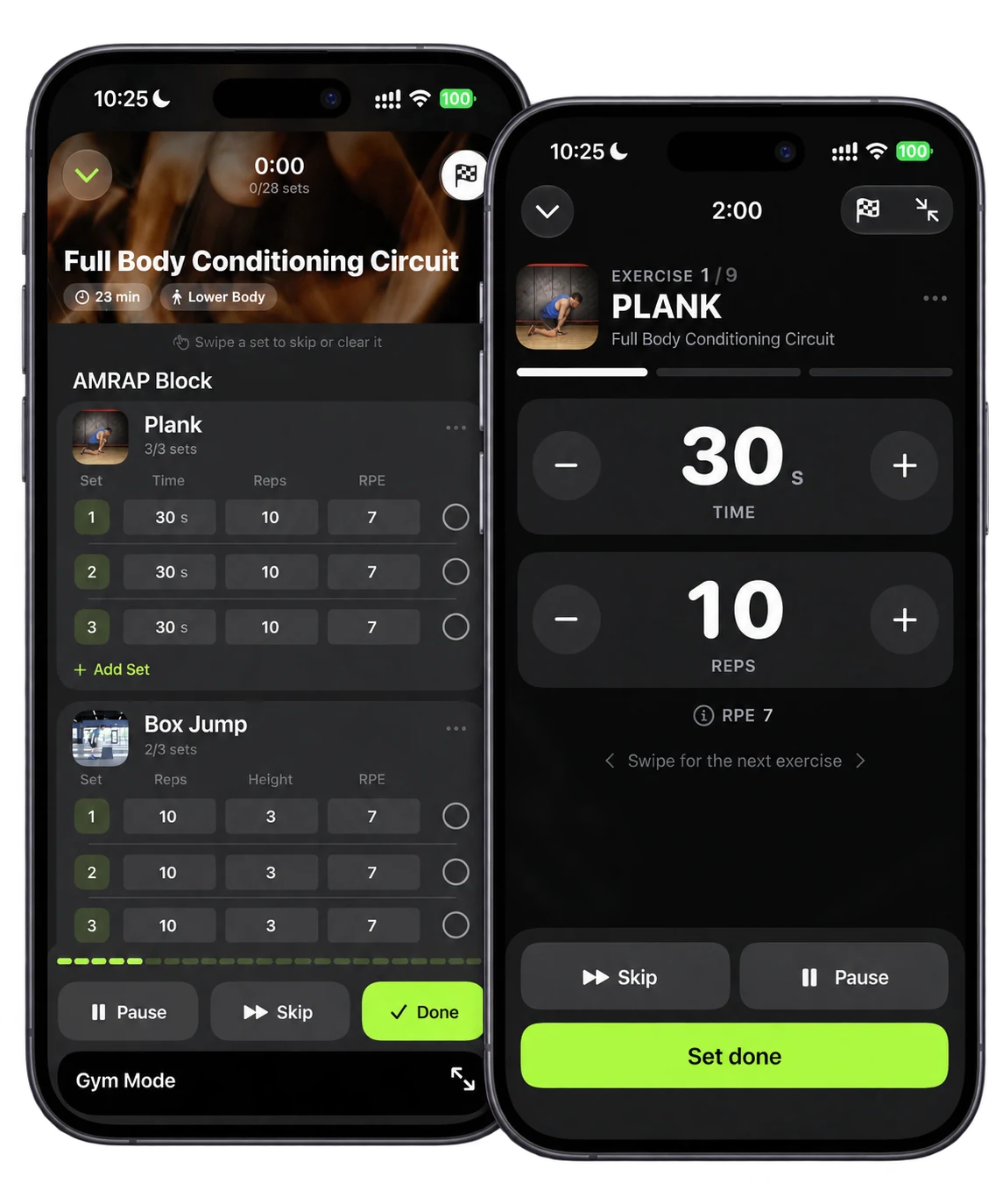
See the targets for your next exercise, log your reps and load, and follow your rest timer before the next set.
On iPhone, Apple Watch and Lock Screen Live Activities give you more ways to follow your session.
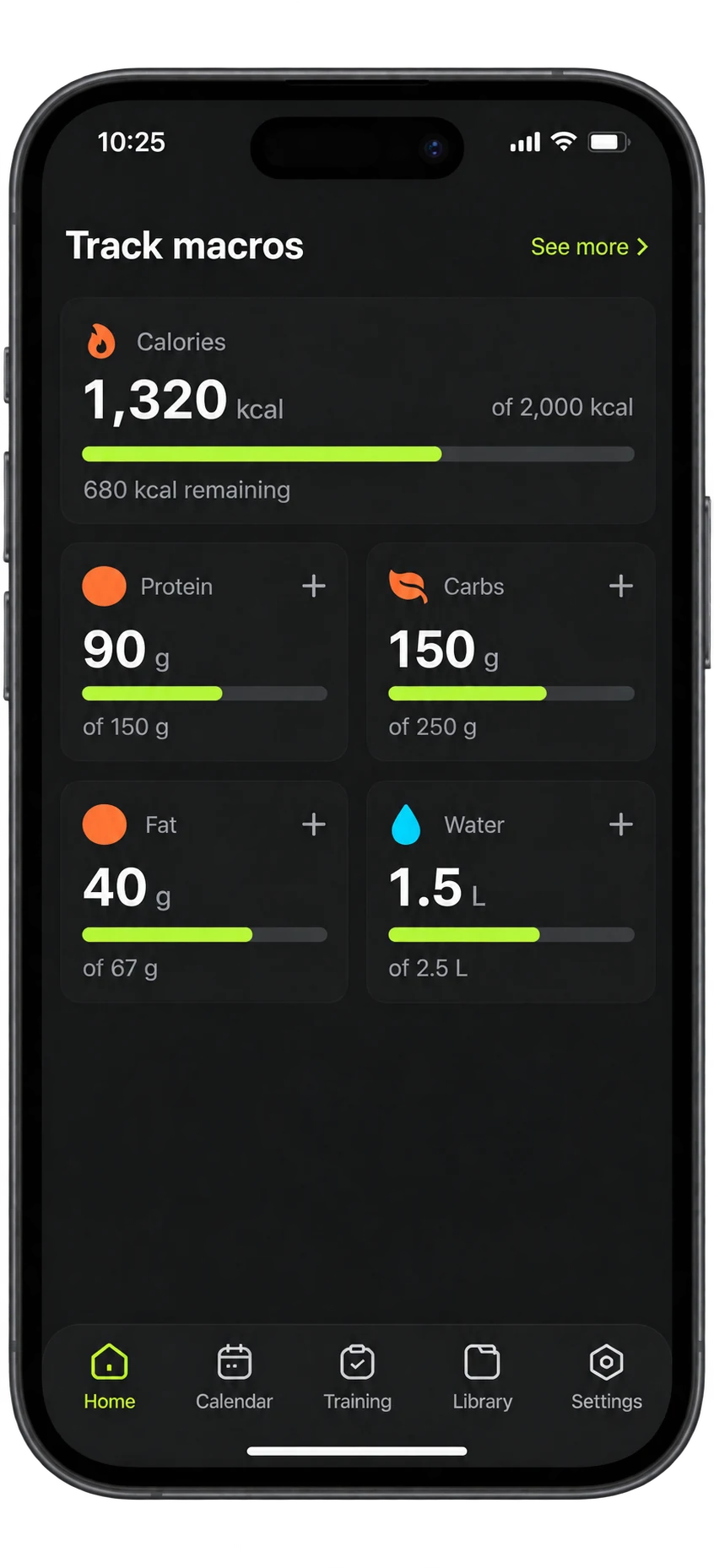
Set your own targets or follow a plan from your coach. Log amounts for protein, carbs, fat and water, then see how your day adds up.
Use your own plan or the targets your coach shares.
Tap a target and record what you’ve consumed.
See your daily intake against your goals.
Your completed workouts become a history you can return to. Review your sets and see the days you trained as you prepare for your next session.
Plan your training, follow your nutrition targets and keep track of what you do — on your own or with your coach.
Follow your activity goals and log sleep, weight and energy alongside your workouts. Keep a record for yourself, or share check ins with your coach when you’re connected.
On iPhone, connect Apple Health to bring supported health and activity data into Diby.
Explore the Diby appWorking with a coach? Open the plans they share, send a message about your workout and keep your check ins close to the conversation.

Coach Victor
Online now
Lower Body · Week 3
6 exercises · 45 min
Download Diby, choose a workout and follow your first session.
Download Diby
Get the app and create your account. You can start on your own or connect with your coach.
Choose your first workout
Build a workout, explore the Store or open a plan assigned by your coach.
Start your session
Follow the exercise targets, record your sets and take your rest before moving on.
Download the app to follow a plan or build your own workouts. Keep your training history ready for the next session.
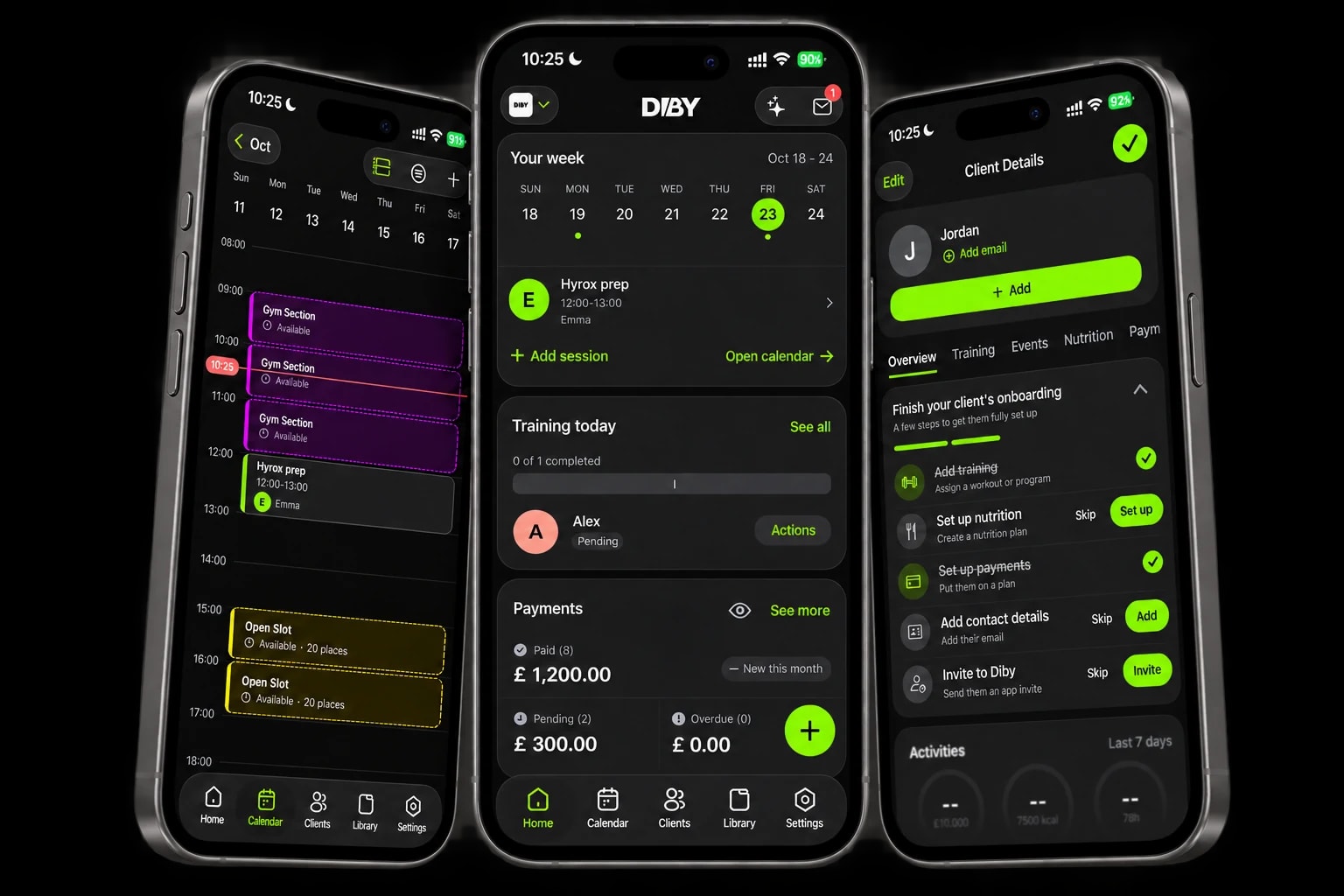
Learn how to get started, train with or without a coach, and follow your nutrition targets in Diby.
Still have a question? Visit our support page for more answers and ways to get in touch.
Contact supportNo. You can create your own workouts, explore the Store and set your own nutrition targets. If you work with a coach, you can also follow the plans they share with you.
Yes. When you are connected to your coach in Diby, you can follow their assigned workouts and nutrition targets, share check ins and keep in touch through chat.
Set your own targets or follow your coach’s plan. Add amounts for protein, carbs, fat, water and other targets, then review your daily totals and intake history.
Diby is available on the App Store and Google Play. Apple Watch, Lock Screen Live Activities and Apple Health are Apple-specific features.
No. You can follow your workouts and log your sets on your phone. Apple Watch is an optional companion when you train with an iPhone.
You can start for free, with or without a coach. Download Diby and create your account to begin.